


Instructions: Obtaining your Iconic User ID and API Key - MerchantSpring
MerchantSpring requires a User ID and an API Token to communicate with Iconic via its Seller Centre APIs.Both can be obtained by following these steps:
1.Log into your Iconic Seller Center account using your credentials. https://sellercenter.theiconic.com.au
2.Navigate to Integration Management via the Settings menu in the top right-hand corner.

3.Scroll down to the section API Explorer and click the locate the User ID and API Key .
4.Enter your User ID and API Key on the Iconic connection screen within Marketplace Manager and click Connect.
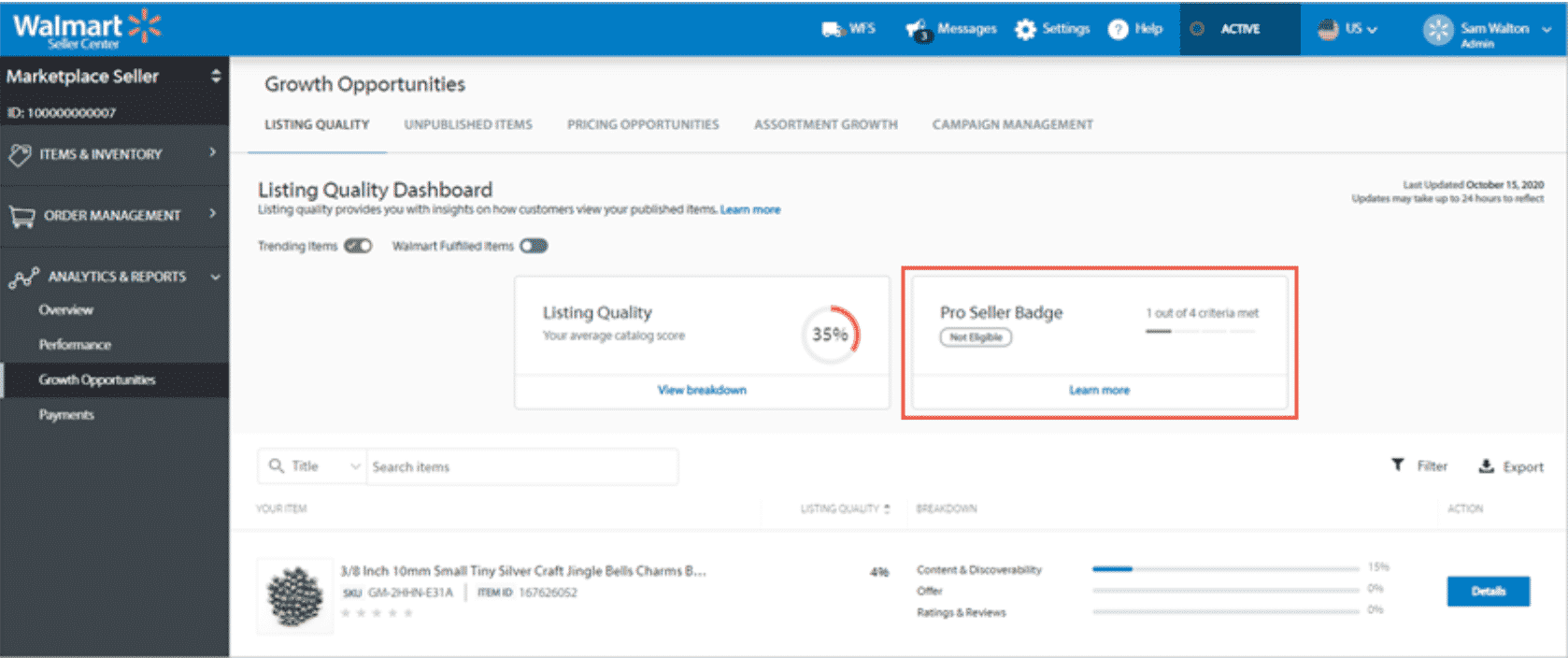
How to Avoid Product Delisting on Walmart Marketplace - MerchantSpring
Walmart takes pride in offering its customers the best shopping experience possible. As a result, Walmart ...
Instructions: Obtaining your Marketplace Auth Token (MIRAKL marketplace) - MerchantSpring
MerchantSpring requires an Authorisation Token to communicate with your marketplace via its Marketplace API ...
Obtaining your Amazon Seller ID and MWS Auth Token - MerchantSpring
MerchantSpring requires a Seller ID and an Authorisation Token to communicate with Amazon via its Marketplace ...


