


Obtaining your Catch Marketplace Auth Token - MerchantSpring
MerchantSpring requires an Authorisation Token to communicate with Catch via its Marketplace API services.Your Catch Authorisation Token is an API key which can be obtained by following these steps:
1.Log into your Catch Marketplace account using your Master Account credentials. https://marketplace.catch.com.au/login💡 Only the Master Account has sufficient privileges to generate the Auth Token.
2.Click on your username in the top right-hand corner of the screen (next to the lock symbol).

3.Click API Key under My User Settings.4.If the API Key field is blank, click the Generate a new key button. A new API key in the following will in the following format: xxxxxxxx-xxxx-xxxx-xxxx-xxxxxxxxxxxx.5.Copy the API key to your clipboard by clicking the Copy to clipboard button.
6.Enter (or paste) your catch API Key in the Auth Token field on the Catch connection screen within the MerchantSpring applications and click Connect
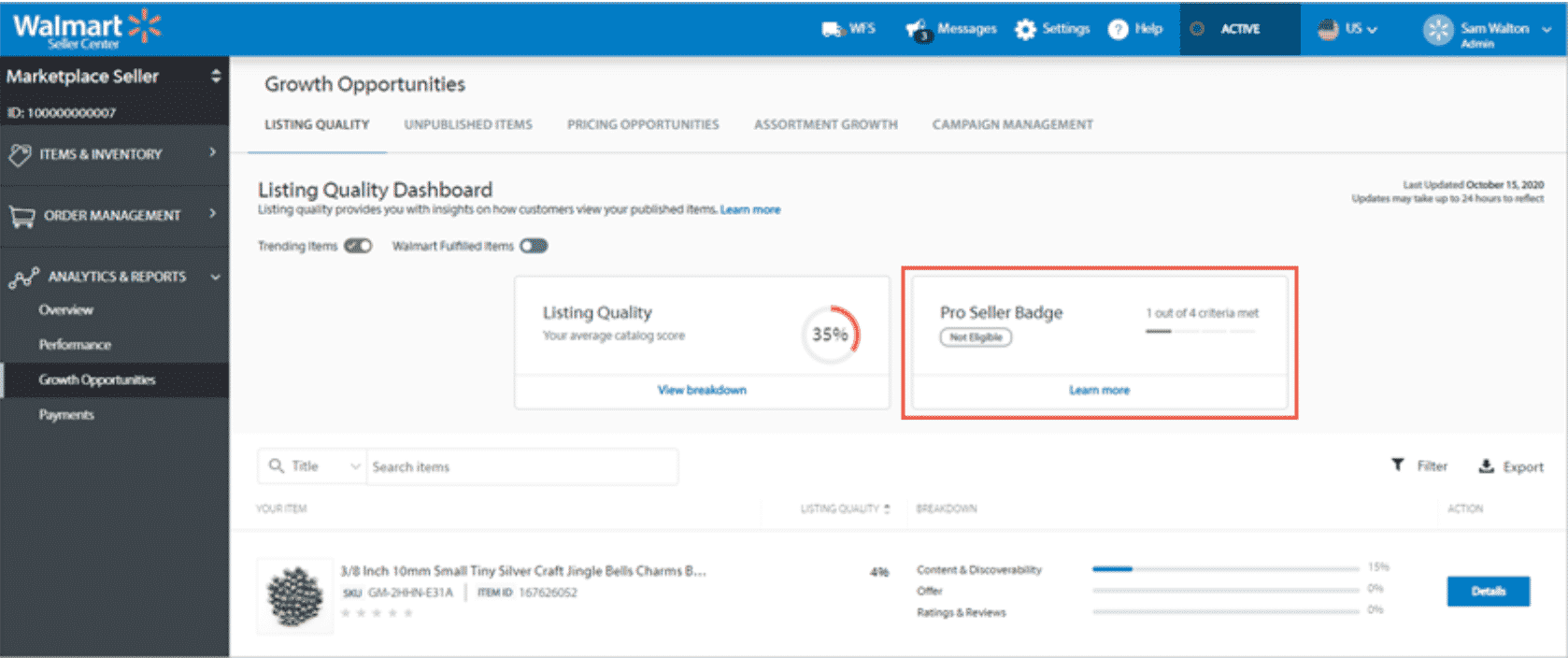
How to Avoid Product Delisting on Walmart Marketplace - MerchantSpring
Walmart takes pride in offering its customers the best shopping experience possible. As a result, Walmart ...
Instructions: Obtaining your Iconic User ID and API Key - MerchantSpring
MerchantSpring requires a User ID and an API Token to communicate with Iconic via its Seller Centre APIs.Both ...
Instructions: Obtaining your Marketplace Auth Token (MIRAKL marketplace) - MerchantSpring
MerchantSpring requires an Authorisation Token to communicate with your marketplace via its Marketplace API ...


